













































































































On your phone
Download Live Historic.
The app is named Live Historic. It is not the Grok app. Apple’s store and Google’s store do not list it yet, so the download puts this desk on the home screen. Same scores. Same films. No second account.
Download Live Historic
iPhone
Three taps in Safari.
- 1. Open this page in Safari. If you are inside another app, copy the link and paste it into Safari.
- 2. Tap the Share button at the bottom, the square with an arrow up.
- 3. Tap Add to Home Screen, then Add. The icon is named Live Historic.
https://livehistoric.org/
Android
Install Live Historic
Open this page in Chrome. Press Download Live Historic. If Chrome does not ask, open the browser menu and choose Install app or Add to Home screen.
On a computer
There is no file to save.
A laptop click cannot put an icon on an iPhone. Send the link to the phone and open it in Safari.
For the store
What Apple asks for
- Privacy policy
- livehistoric.org/privacy
- Support
- livehistoric.org/helpThat page answers the first questions. The letter is on Write us.
- Age rating
- 12+The desk does not show sex or gore. It does talk, in plain words, about what a story rehearses. In App Store Connect, answer: infrequent or mild for violence, fear, and mature themes. None for profanity, gambling, contests, and unrestricted web access. Do not mark it Made for Kids.
Screenshots
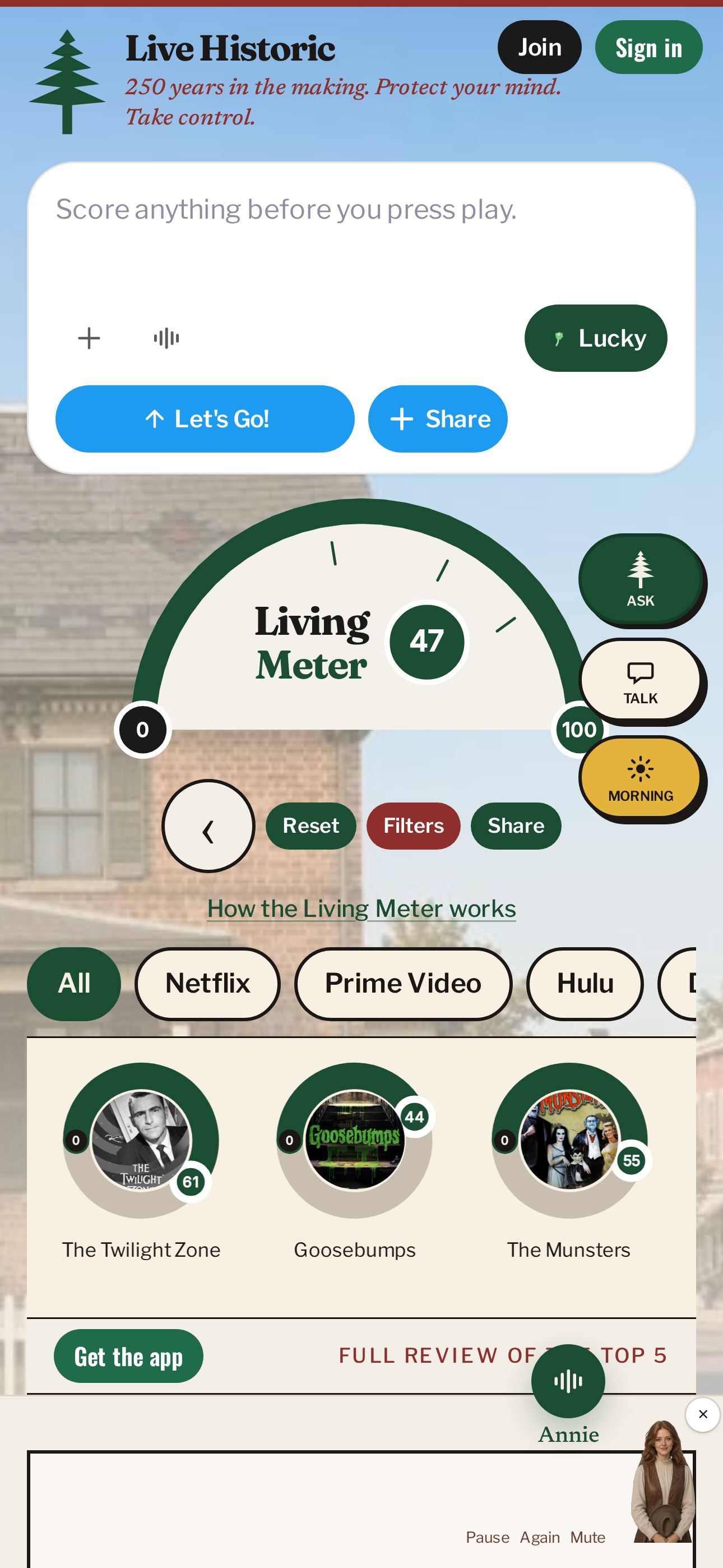
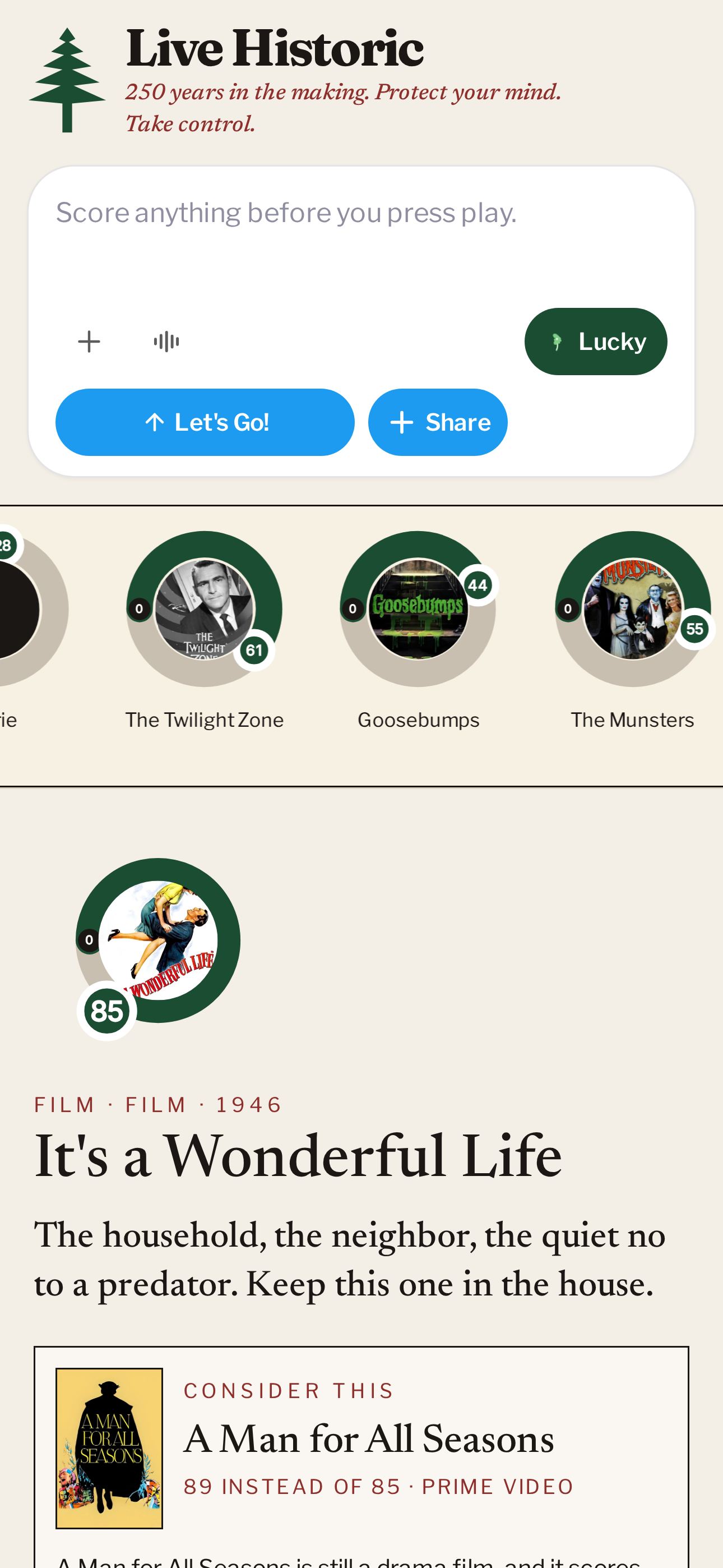
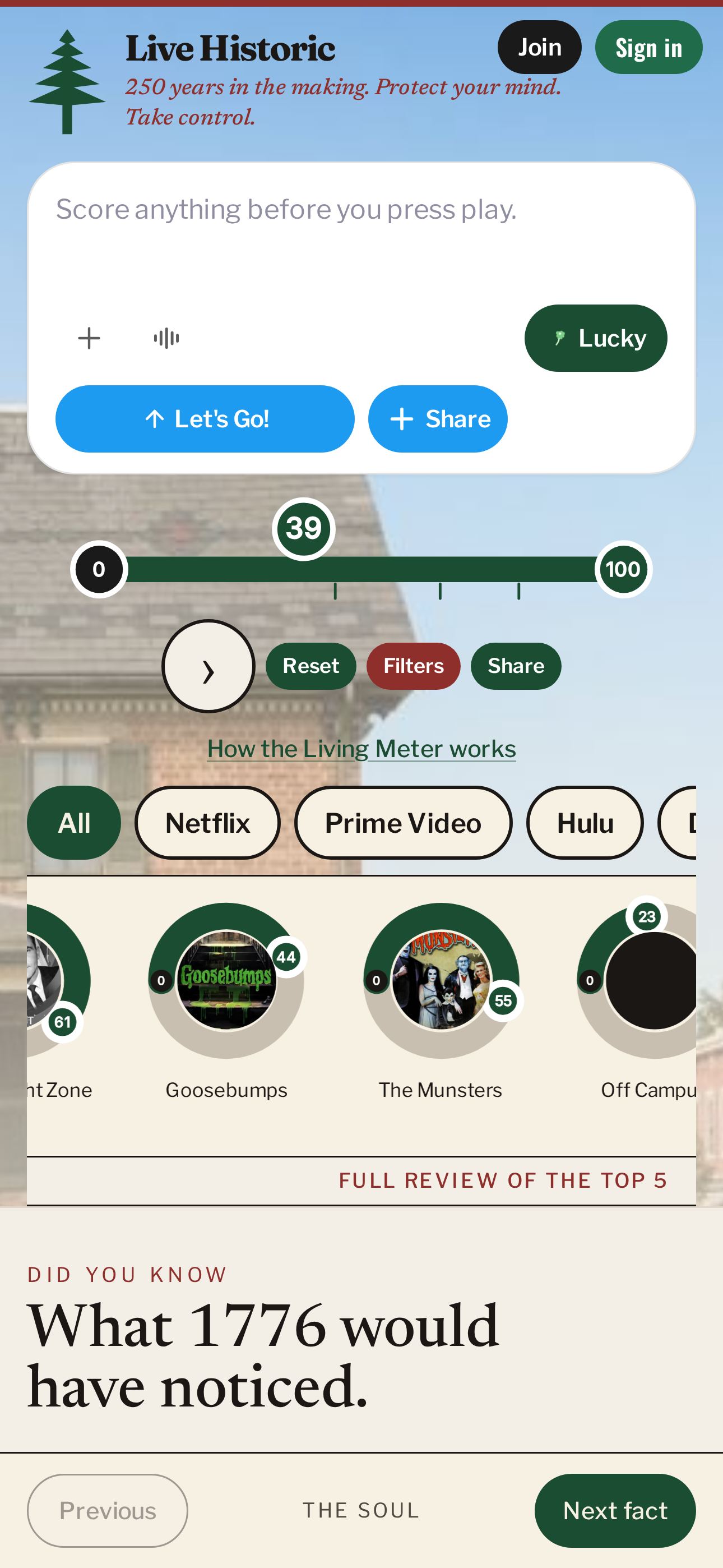
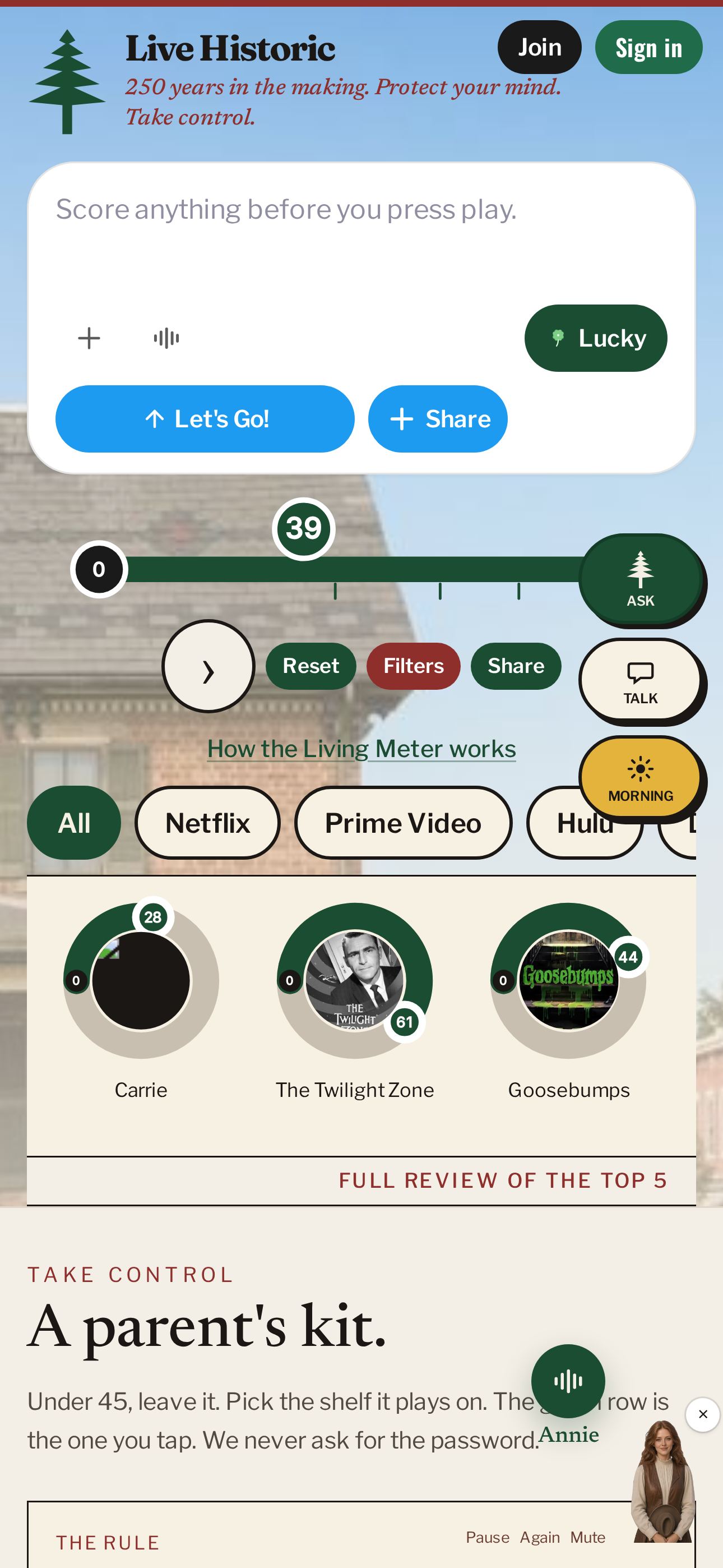
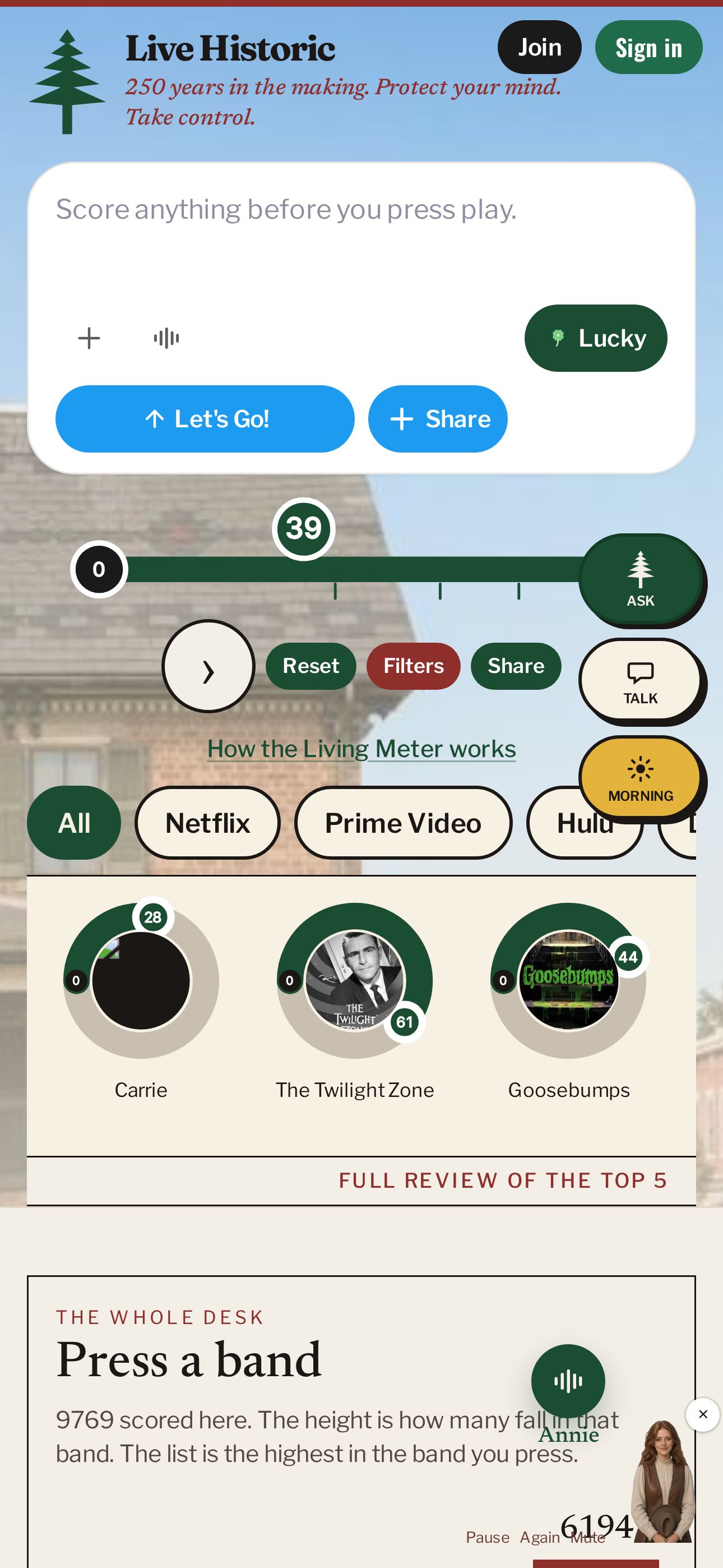
Five iPhone screens, 1290 by 2796. Upload these in App Store Connect. Save each file, then drop it in the iPhone 6.7-inch slot.